Committing XML horrors to style my blogroll
Posted May 10, 2025
For a while, I’ve provided a list of suggested blog/feeds on my website in a blogroll.
This blogroll takes the form of an OPML file that RSS readers can import. It’s pretty neat, but making it browser-friendly has always been on my wishlist.
So it was pretty cool to stumble across XSLT - a means for transforming XML documents.
In this case, XSLT offers a means to transform the OPML blogroll into HTML that a browser can render and style. I got the inspiration from Ruben Schade and his guide on styling OPML with XSLT, which he used on his own blogroll.
Applying this to my blogroll gave me the best of both worlds:
- The blogroll resembles my website’s regular HTML pages in a web browser
- The file itself is still valid OPML which RSS readers can import
As an additional challenge, I wanted to continue generating the blogroll dynamically in Hugo rather than hand-curating the XML. I’ve been doing this with a custom output format, listing feeds in the page’s metadata.
---
title: "Blogroll"
outputs:
    - opml
params:
    feeds:
        - name: Lachlan Jacob
          xml: https://blog.etopiei.com/feed.php
          html: https://blog.etopiei.com/
Generating these OPML/XSLT documents dynamically came with another benefit, as I could avoid duplicating the base HTML template used for the rest of my website. There were a few roadbumps, but they were pretty negligible:
- XML is stricter with self-closing elements, like
<hr> - Common HTML entities like
&need to be defined explicitly or removed
Aside from that, the main challenge was bundling the XSLT into the existing document. Linking it from a static file is an option, but I wanted to include templating logic in the XSLT as well. Fortunately, XLST can be embedded and referenced from within an existing OPML document.
<?xml version="1.0" encoding="utf-8"?>
<?xml-stylesheet type="text/xsl" href="#blogroll"?>

<opml version="2.0">

<head>
    <!-- OPML head -->
</head>
<body>
    <!-- OPML body -->
</body>

<xsl:stylesheet id="blogroll" version="2.0" xmlns:xsl="http://www.w3.org/1999/XSL/Transform">
    <!-- XSLT transformation -->
</xsl:stylesheet>

</opml>
With that addition my blogroll now renders in-browser, and looks like most pages of my website!
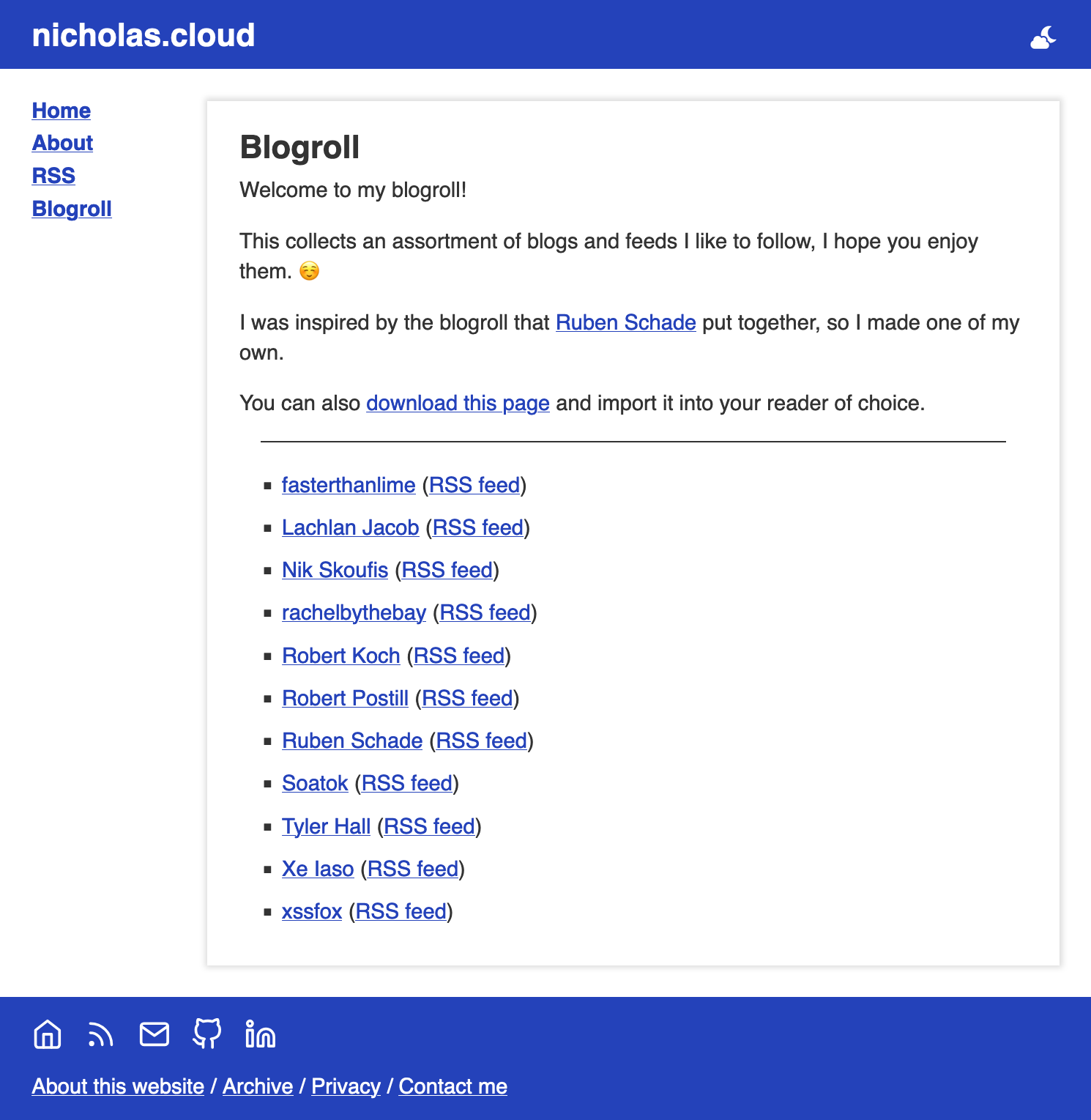
As a last step, I did also need to add an Nginx directive for browsers to treat the OPML file as a XML document.
# Serve OPML files as XML to force in-browser viewing
location /blogroll.opml {
    default_type application/xml;
}
So if you’re interested in reading or following other interesting feeds now, have a read of my blogroll!